Home / Guide / Images: trace, relief, lithophane
Guide 7 of 11Images: trace, relief, lithophane
Use Import image (or drop a picture onto the app) to turn artwork into 3D. Clean, high-contrast artwork such as logos, silhouettes and line drawings gives the best results.
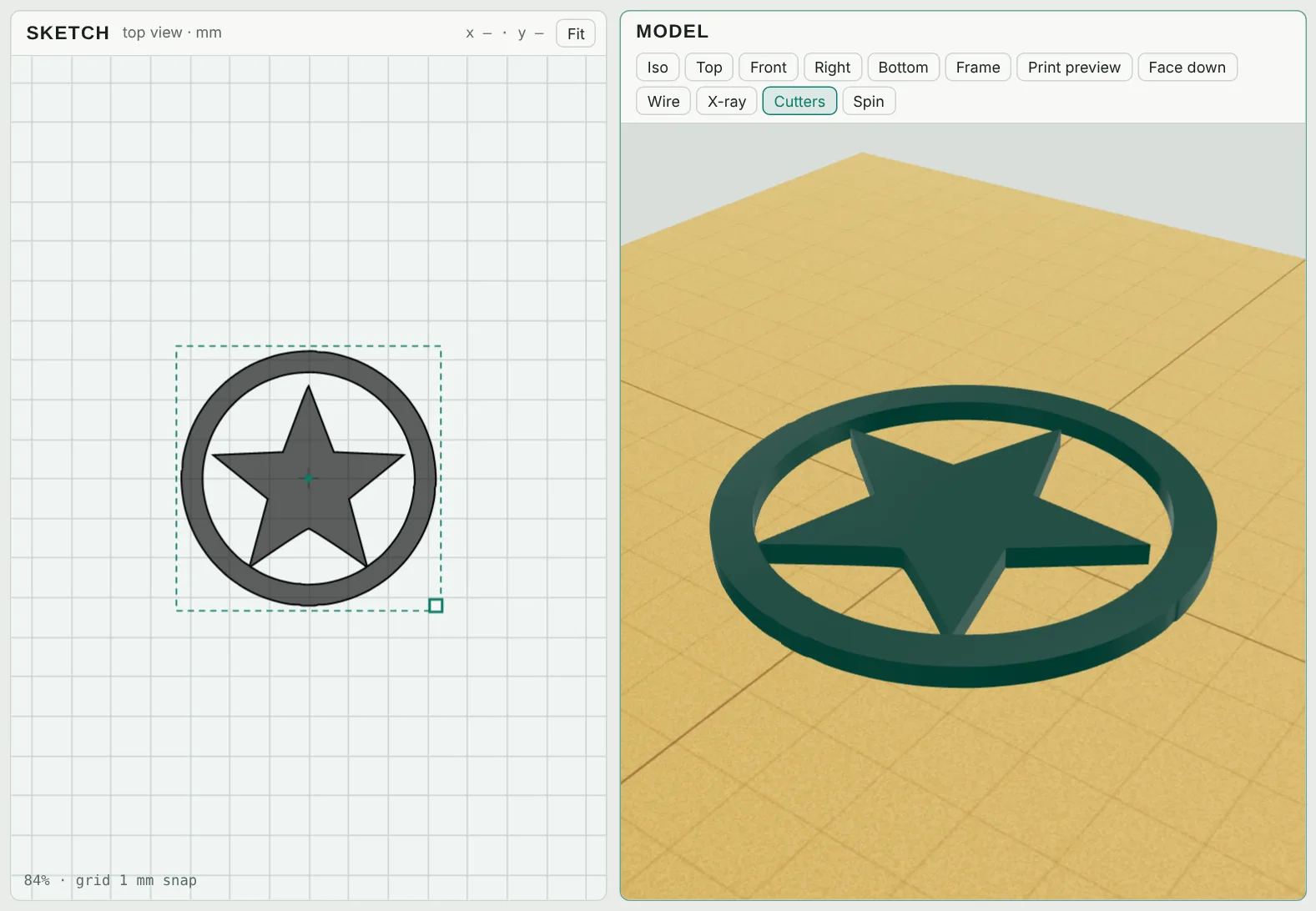
Outline: trace a logo
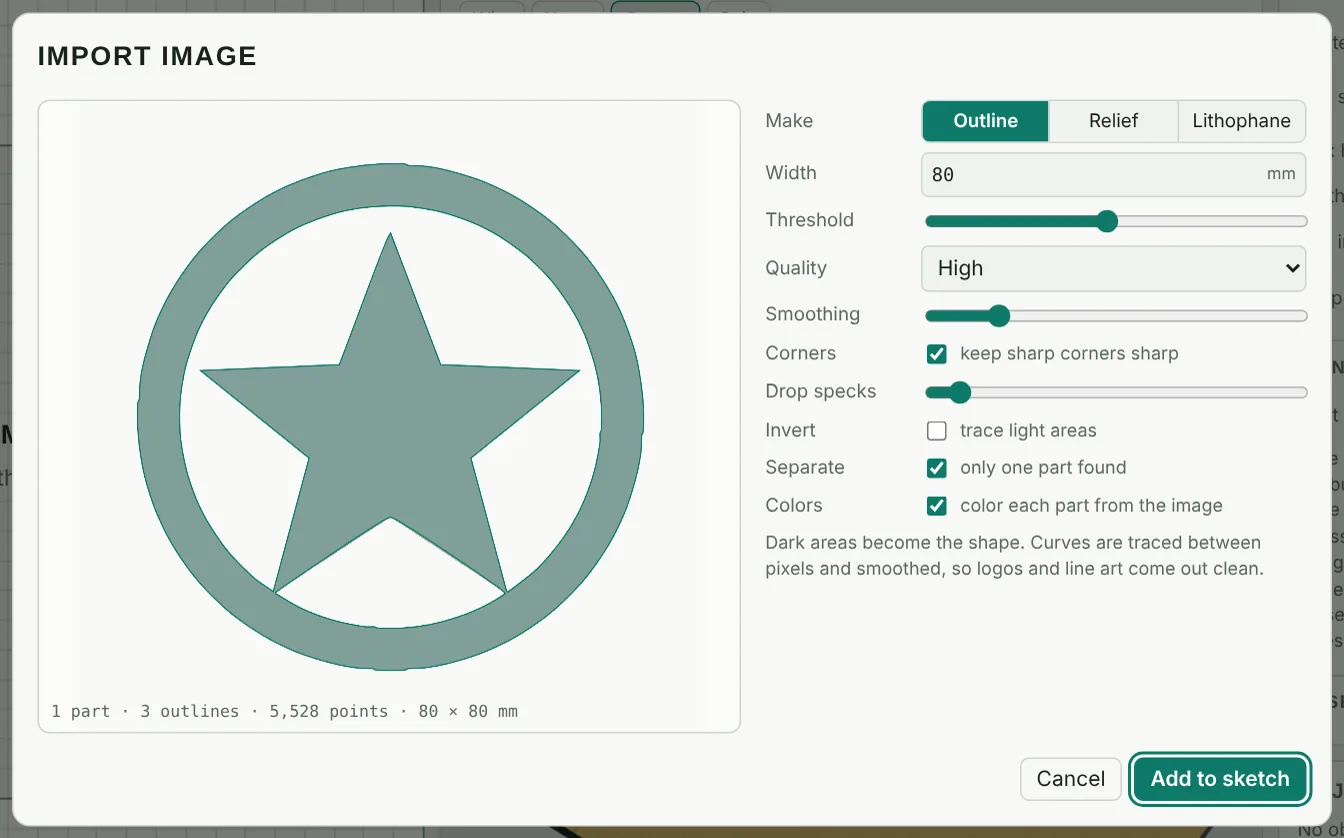
- Width sets the size on the bed in millimetres.
- Threshold decides what counts as dark. Invert traces the light areas instead.
- Quality: Standard, High, or Maximum detail Pass · Maker · Seller for fine artwork.
- Smoothing, keep sharp corners and Drop specks clean up the outline.
- Separate makes each island its own part, and Colors picks up each part's color from the image, ready for multi-color 3MF.
Relief and lithophane
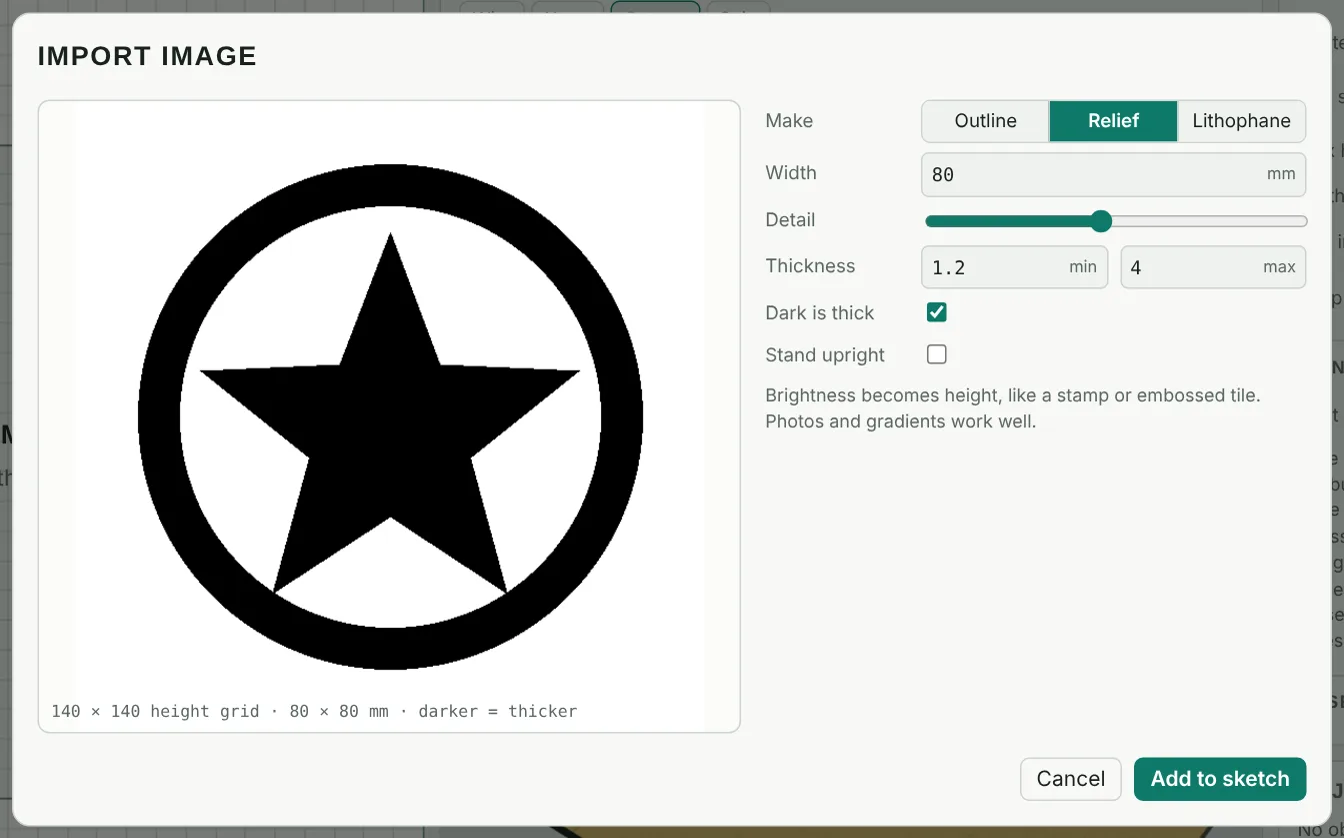
Relief turns brightness into height, like a stamp or embossed tile. Set the Min and Max thickness; Dark is thick chooses which way round; Stand upright makes it a standing plaque.
Lithophane makes a thin panel that shows the photo when light shines through it. Print it upright in white at 100% infill for the best result. See the lithophane guide.
Only use images you have the right to use. For logos you plan to sell, the Seller plan includes a commercial license for designs you make.